


How QuietCam Works
Recording with your screen off takes four simple steps. No account, no complicated settings — just tap and capture.
Download QuietCam
Get QuietCam free from the App Store or Google Play. No account or sign-up required.
Requires iOS 17.0 or later. Works on all iPhone models that support iOS 17.
Choose Your Mode
Select photo, video, audio, or burst mode. Pick black screen, lock screen wallpaper, or a custom background.
See our features page for a complete list of recording modes and display options.
Start Recording
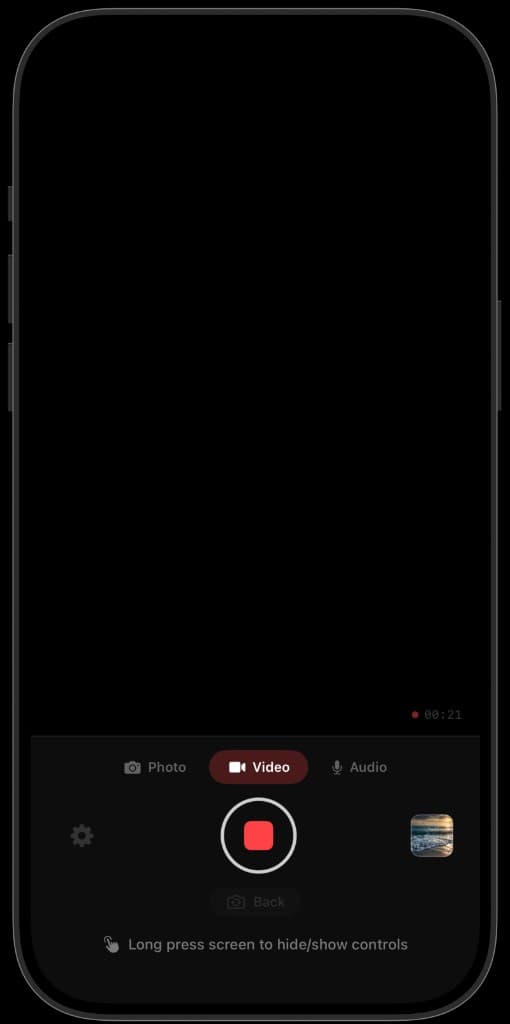
Tap anywhere to capture. Long press to hide controls. On supported iPhones, use the Action Button for instant recording.
iPhone 15 Pro and later users can assign the Action Button for instant recording. Learn how.
Review & Export
Access your private gallery anytime. Export to your photo library or share when you're ready.
Your recordings stay in the private gallery until you choose to export. Learn about exporting.
Ready to record with your screen off?
Download QuietCam free on iPhone or Android. No account required. Start your PRO free trial anytime — pricing is the same on both platforms.
